How to Download Twitter/X Videos in 2026
Twitter (now X) does not have a download button for videos. If someone posts a great video and you want to save it, you are out of luck using just the app. But it is actually very easy with the right tool.
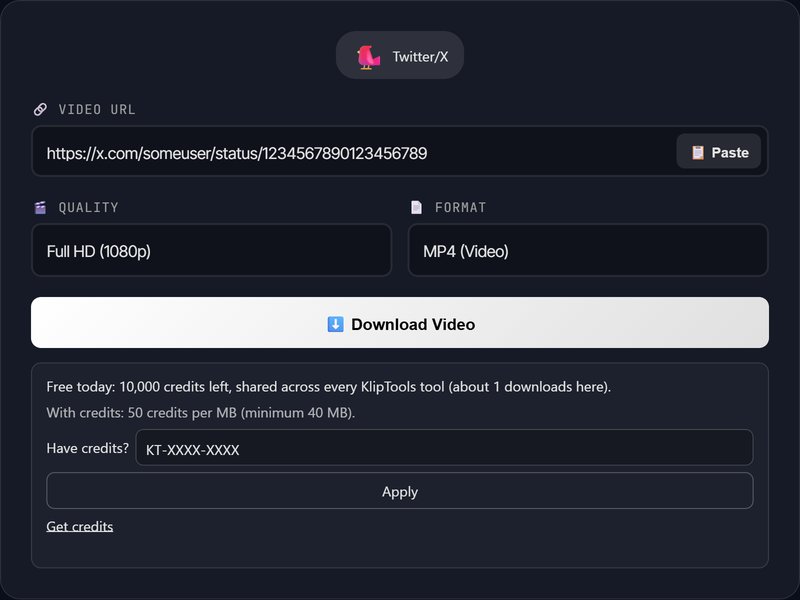
How to Download Videos from X (Twitter)
- Find the tweet with the video you want to save
- Copy the tweet URL — tap Share → Copy Link (or copy from the browser address bar)
- Go to KlipTools Video Downloader
- Paste the tweet URL and click Download
- Choose the quality you want and save the file
What About Twitter GIFs?
Fun fact: Twitter GIFs are actually MP4 videos. When you download them, you will get an MP4 file that loops. If you need an actual GIF format, you would need to convert it after downloading.
Twitter Spaces Audio
If you want to save audio from a Twitter Space, that requires a different approach. You can use our Speech to Text tool to transcribe the audio if you have a recording.
Frequently Asked Questions
Can I download from private/protected accounts?
What quality will the video be?
Does it work with X.com URLs?
The Clip Is Usually Only Half of What You Want
The Video Trimmer cuts a downloaded X video to the moment worth keeping, without re-encoding and without leaving the removed footage inside the file. The Video Compressor takes it under whatever size limit you are up against, and the Subtitle Generator captions it in 90+ languages.